Designers
Developers
About
Motion guidelines
Icon guidelines
App launcher icons
- Tools and Artefacts
- Coming soon!
- Getting started
- Designers
- Developers
- About
- Explore Getting started
- Designers
- Developers
- About
- Motion guidelines
- Icon guidelines
- App launcher icons
- Components
- Explore Components
Icon guidelines
Icons are visual representations of commands, devices, directories or common actions.
Introduction
Nedbank’s system icons are a key part of our visual identity, designed to ensure consistency and brand recognition across all digital platforms. These icons are used in our online banking systems, mobile apps and other digital services to help you navigate and perform various banking tasks efficiently.
For design or development purposes, you can find a variety of Nedbank icons available for download in formats like SVG, PNG and GIF on platforms like IconScout. These icons come in various styles including flat, coloured outline, line, glyph, and isometric, making them versatile for different design needs.
Why icons matters
Icons bring our digital interfaces to life, guiding users through their journey and making interactions more enjoyable. It helps with the following:
- Communicate feedback: Icons provide immediate responses to user actions.
- Enhance usability: Icons make navigation smoother and more intuitive.
- Reinforce brand identity: Icons show the character and tone of our brand.
System icons
Our system icons are now accessible for teams to leverage and are integrated into the latest components across web and app platforms.
![]()
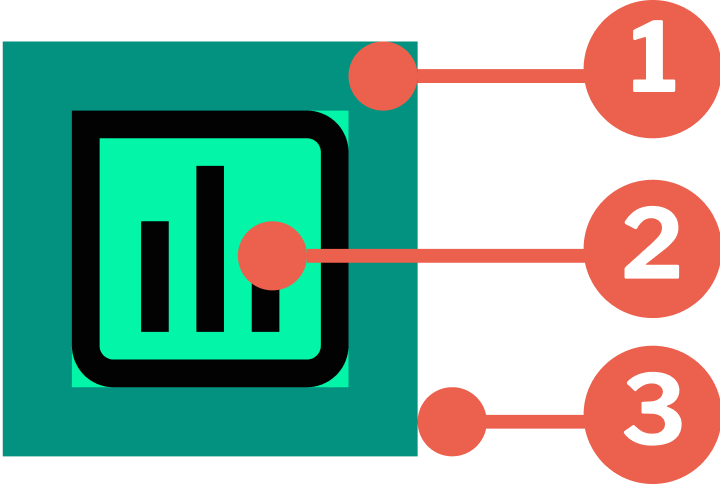
System icon anatomy
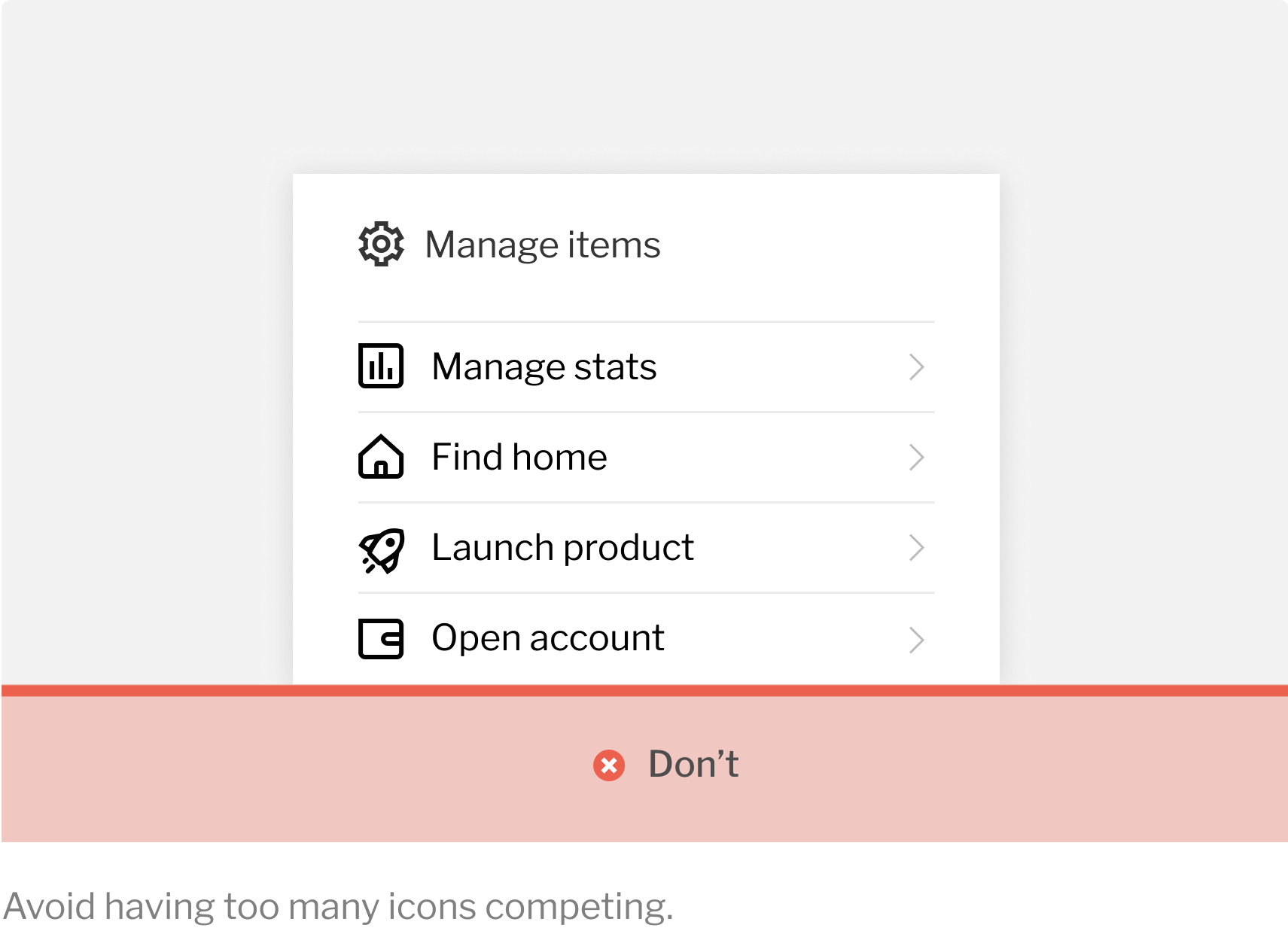
Icons should be used intentionally to maximise comprehension and reduce cognitive load. We use icons primarily for calls to action and commands, or to go to specific sections.
![]()
- Grid area: The foundation where the grid construction is set.
- The icon: The visual element itself.
- Canvas area: The space where the icon is confined.
Our icon behaviour
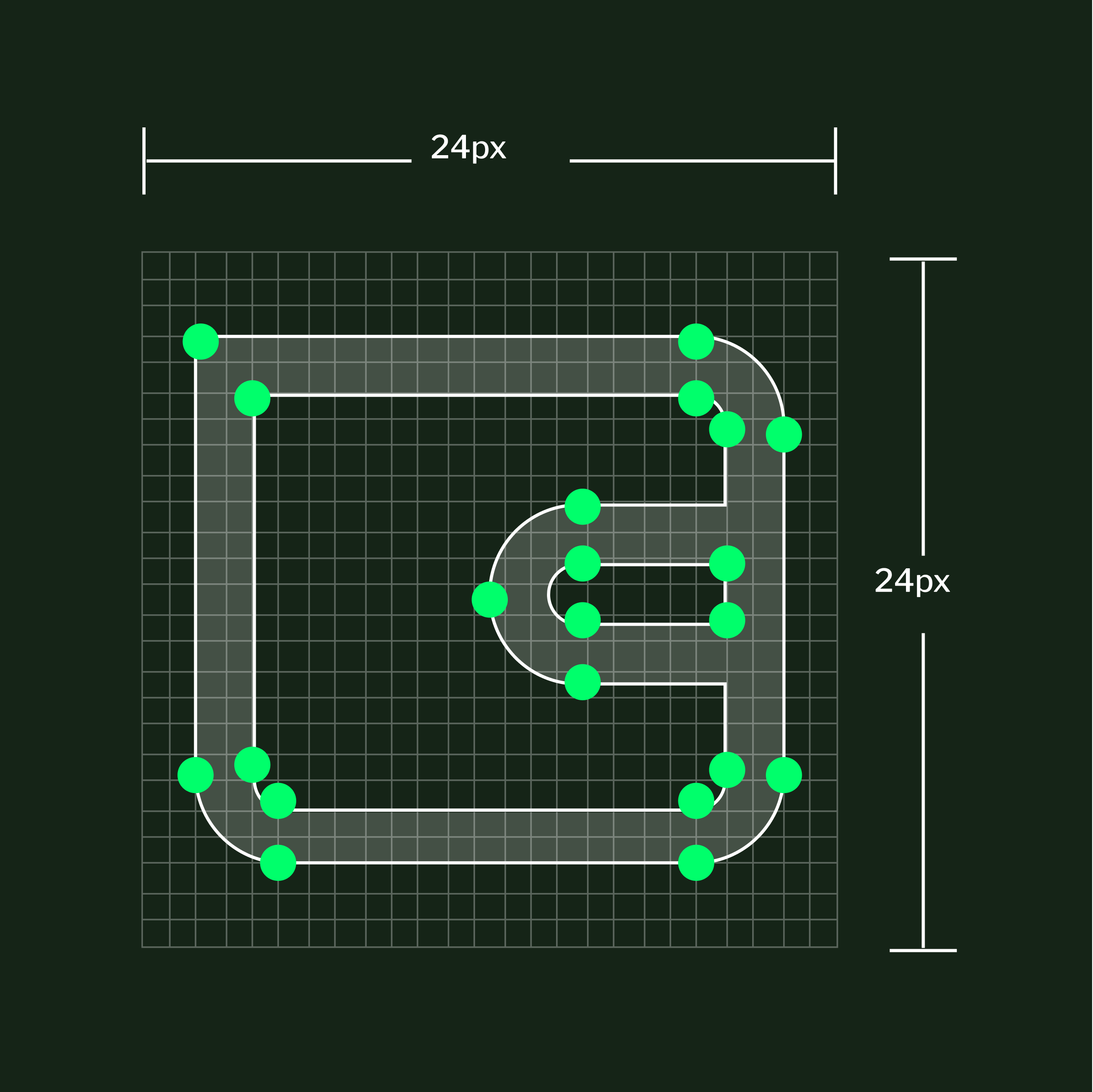
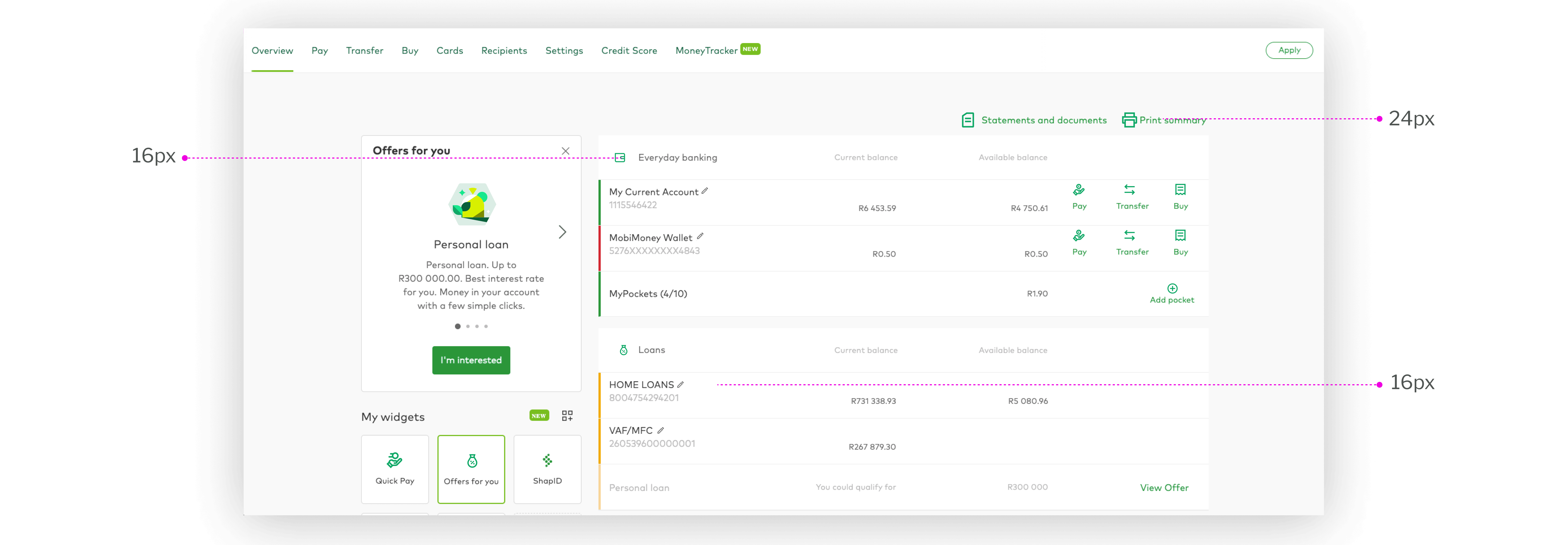
Our icons are designed on a 20 px scale grid and exported on a 24 px canvas size. Use icons to maximise comprehension and reduce cognitive load, especially when your need to draw attention to a specific action, command or section. Each icon embodies our brand personality.
![]()
Best practices
It’s always best to align with the existing icon set in our library to maintain a consistent design style and avoid brand confusion.
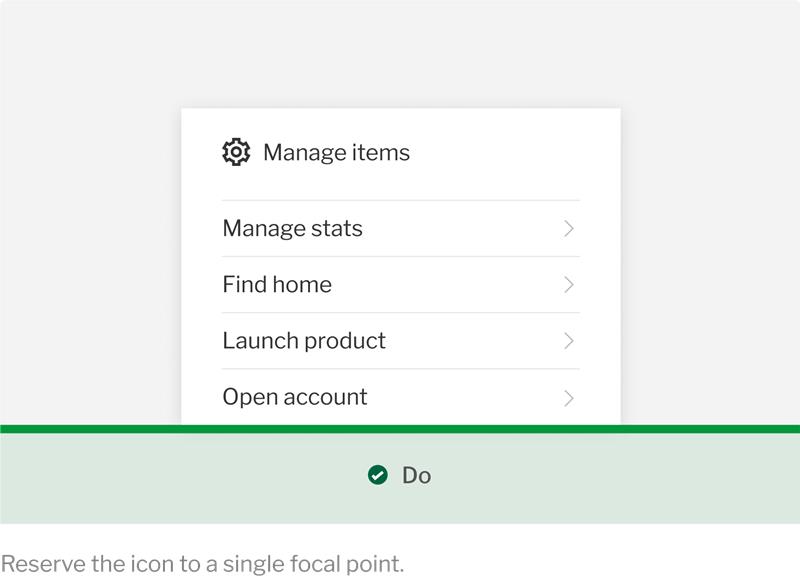
Our system icons are designed to be used progressively and meaningfully, supporting users by providing clear context to calls to action. Ensure that icons are accompanied by text that enhances user understanding, especially in scenarios where the icon alone may not be fully understood.
![]()
![]()
Need help? Get in touch.
For help or if you want to collaborate with the Design System Team, please reach out to them via the following channels:
Email: elements@nedbank.co.za
Teams: Design system — Queries
Manage cookie preferences
- Consent
- Cookie notice
- About
Cookies improve the functionality of our website and your experience across our online channels. You can find out more about the cookies we use and manage your preferences here.
You can opt-out of selected cookies using the toggles below and click Confirm to save your preferences.
By clicking Accept all you consent to our use of cookies.
These cookies collect anonymous information about how you use our website to help us improve its performance without collecting personal information.
These temporary session cookies are active only while you browse our website. They remember your activity during a session and are deleted when you leave our website.
These cookies help us show you advertisements that are relevant to you and measure the effectiveness of our advertising campaigns based on your interactions with these advertisements.
They remain on your device until they expire or you delete them. They remember your preferences across visits.
Cookies improve the functionality of our website and your experience across our online channels. They help us identify which pages are used most often and analyse webpage traffic. We use this information for statistical analysis only and remove it from our system. We do not record your internet usage after you have left our website.
Cookies are very small text files that may be stored on your computer or mobile device when you visit a website. You can manage your cookie settings in your internet browser. Most web and mobile browsers automatically accept them, but you can modify your browser settings to manage them. However, this may prevent you from taking full advantage of our website experience. Your cookie settings will also affect other websites you visit.
Please read our Privacy Notice to learn how to manage cookie preferences in your browser.
By clicking Accept all you consent to our use of cookies.